Best AI Email Assistant for Freelancers in 2026
By Srivatsa · 2026-07-07
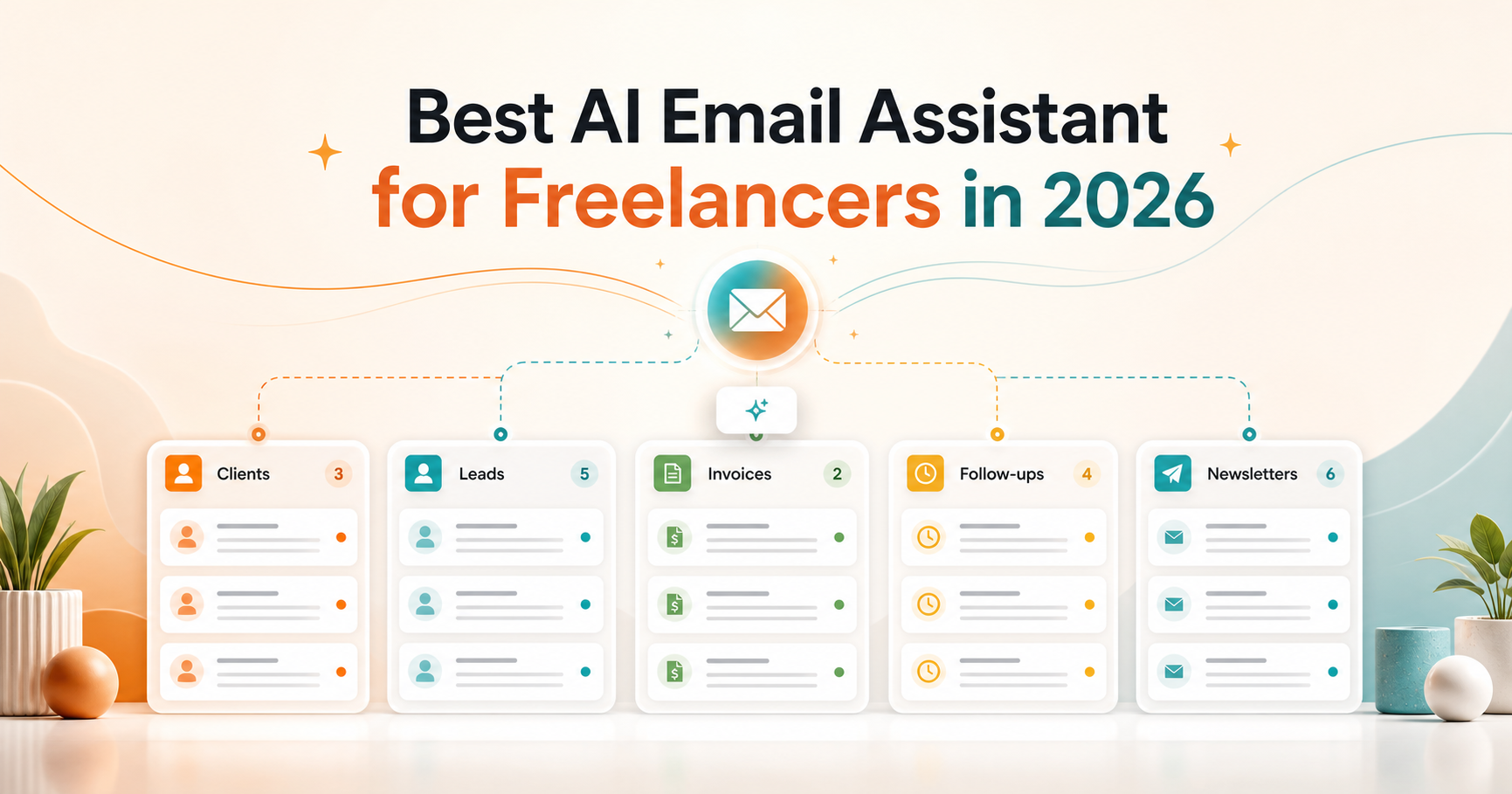
A practical guide to choosing an AI email assistant for freelancers who need cleaner client triage, faster replies, follow-ups, snippets, and account-aware inbox workflows.
Freelancer email is not just email. It is the place where new leads arrive, clients ask for updates, invoices get approved, meetings move, revisions come in, and old opportunities quietly go stale.
That is why the best AI email assistant for freelancers should do more than help you write a nicer reply. Writing help is useful, but the bigger problem is usually triage: knowing which messages deserve attention, which can wait, what happened in the thread, and who needs a follow-up.
If you work from Gmail, Outlook, Zoho Mail, or more than one inbox, the right assistant should make client communication easier to trust without turning your inbox into a complicated support desk.
This guide breaks down what to look for, where popular tools differ, and how freelancers can use AI email safely without giving up control of client relationships.
What freelancers actually need from an AI email assistant
Most AI email tools sell the same promise: faster writing.
For freelancers, faster writing is only one part of the job. The real inbox pressure usually comes from a messy mix of:
- client questions
- new project leads
- revision requests
- unpaid invoices
- scheduling threads
- partnership offers
- platform notifications
- newsletters and receipts
The assistant needs to help separate those messages by workflow. Otherwise you still have the same crowded inbox, just with a writing button attached.
A strong freelancer email assistant should help with five jobs:
- Sort important client and lead emails away from noise.
- Summarize long threads before you reply.
- Draft replies from the actual conversation.
- Keep follow-ups from disappearing.
- Support multiple accounts without mixing context.
That is the difference between an AI writing tool and an AI inbox assistant.
Start with triage, not drafting
Freelancers often lose time because every message looks equally urgent.
A client update sits next to a receipt. A high-value lead sits under a newsletter. A revision request gets buried by automated platform alerts. By the time you notice the important thread, the easy response window is gone.
This is where AI triage matters.
Replyless is built around AI email categorization, which classifies email by intent, urgency, sender, and workflow. For freelancers, those categories might look like clients, leads, invoices, follow-ups, scheduling, newsletters, and low-priority updates.
You can go one step further with AI split inboxes, which turn one crowded inbox into focused lanes. That makes the daily question simpler: "What client or revenue email needs me now?"
The first win is not automation. It is visibility.
Use AI drafts as a first pass, not a final send
AI email drafting can be genuinely useful for freelancers, especially when you send the same types of messages every week.
Examples:
- "Thanks for the brief, here are next steps."
- "I can take this on, here is my availability."
- "Quick follow-up on the proposal."
- "Here is the revised version."
- "Can you confirm the invoice details?"
But freelancers should be careful with full auto-send workflows. Client relationships depend on tone, nuance, scope, pricing, and trust. A draft that is almost right can still create extra work if it over-promises, sounds generic, or misses context.
The safer workflow is review-first drafting.
Replyless supports AI email drafts that use thread context and keep the final edit in your hands. That matters because the goal is not to remove your judgment. It is to remove blank-page time.
For routine replies, AI can get you 70 percent of the way there. You should still own the last 30 percent.
Thread summaries are a freelancer superpower
Long client threads are expensive because you have to reload the whole story before replying.
What was approved? What changed? Did the client already send assets? Was the deadline moved? Did you promise a Friday delivery or just say you would try?
An AI assistant should reduce that re-reading.
Useful thread summaries should help you answer:
- what happened so far
- what the client needs now
- what is unresolved
- what you already promised
- whether the next action is a reply, reminder, archive, or follow-up
This is especially helpful for freelancers juggling several clients at once. You can return to a thread faster without pretending the AI understands your business better than you do.
Snippets still matter, even with AI
AI does not replace reusable replies. It makes them more flexible.
Freelancers often answer the same questions repeatedly:
- rates and availability
- project scope
- onboarding steps
- file delivery
- revision policy
- payment terms
- meeting scheduling
If the message is common and low-risk, save the core answer as a snippet. Then use AI to adapt it to the thread.
Replyless includes email snippets, which are useful for standard client replies that should stay consistent. This gives you a faster workflow without letting AI invent policies or pricing.
The simple rule: snippets handle your standards; AI handles the wording.
Follow-ups are where freelancers lose money
Missed follow-ups are not just an inbox problem. They are a revenue problem.
A warm lead asks for pricing and goes quiet. A client says they will send assets tomorrow. An invoice approval needs one more reply. A past client mentions a future project, then the thread disappears.
If your assistant only helps you write replies, it does not solve that.
Look for email reminders that bring important threads back when you need them. Replyless supports email reminders, so finished or waiting threads do not have to sit in your main inbox forever.
For freelancers, this is often more valuable than a flashier AI feature. The inbox gets calmer, but the opportunity is still tracked.
Multiple inboxes need account-aware AI
Many freelancers use more than one email account:
- personal Gmail
- client-facing business email
- agency or studio inbox
- legacy Outlook account
- niche inboxes for consulting, content, design, coaching, or support
That creates a real AI risk. The assistant should not mix context across accounts.
A client reply in one inbox should not borrow tone, details, or history from another. A personal thread should not influence business drafts. A freelance writer's brand-deal inbox should not blend with their client operations inbox.
Replyless supports multiple email accounts across Gmail, Outlook, and Zoho Mail while keeping workflows scoped to the active account.
That may sound small, but it is one of the most important practical details for freelancers. AI is only useful if it knows which inbox it is helping with.
How Replyless compares with other AI email tools
The AI email market is crowded, but most tools lean toward different jobs.
Superhuman is strong for fast personal email workflows and now positions itself around Mail, Docs, and AI that works across apps. That can be powerful for executives and power users. Freelancers should ask whether they want a premium productivity suite or a focused inbox workflow for clients, leads, follow-ups, and summaries.
Canary Mail is a broad cross-platform email app with AI, calendar, security, read receipts, unified inbox, categorization, and inbox zero features. It is worth comparing if you want a polished email client across devices. If your main pain is freelance workflow triage, look closely at how easily it separates client work, invoices, follow-ups, and noisy updates.
Spark focuses on smart, focused email with priority tools, Smart Inbox, reminders, AI writing, summaries, and cross-platform support. It may fit people who want a full email client experience. Freelancers should compare whether the workflow is built around their client pipeline or around general productivity.
Jace positions itself as an AI executive assistant that organizes inboxes, drafts responses, applies smart rules, and reacts to emails with workflows. That is a more agentic direction. For freelancers, the key question is how much autonomy you actually want. Review-first AI is often safer than letting an assistant take broad actions on client communication.
Replyless is more focused on the practical freelancer inbox: categorization, split inboxes, summaries, drafts, snippets, reminders, cleaner workflows, and multiple account support across Gmail, Outlook, and Zoho Mail.
The buying question is simple: does the tool help you manage freelance work, or does it mostly help you write inside the same messy inbox?
A simple freelancer workflow with AI email
If your inbox is messy today, do not start by automating everything.
Start here.
Step 1: Create focused lanes
Split your inbox into clients, leads, invoices, follow-ups, scheduling, newsletters, and low-priority updates.
This helps you see where attention actually goes.
Step 2: Summarize active client threads
Use AI summaries on long conversations, stale projects, revision threads, and anything with several back-and-forth replies.
The goal is faster context, not automated decision-making.
Step 3: Draft routine replies
Use AI drafts for common client messages:
- confirming next steps
- responding to inquiries
- following up on proposals
- sending project updates
- acknowledging revisions
- scheduling calls
Review before sending, especially for pricing, scope, conflict, legal, billing, and sensitive client threads.
Step 4: Turn repeat answers into snippets
Save reusable snippets for your rates, availability, onboarding, revision policy, payment terms, and delivery process.
This keeps your business rules consistent.
Step 5: Set reminders instead of keeping everything open
If a thread is waiting on someone else, remind yourself later instead of letting it sit in the inbox.
This helps you keep inbox zero realistic without losing track of leads or client dependencies.
What to look for before choosing a tool
Use this checklist when comparing AI email assistants for freelance work:
- Does it work with my current inbox provider?
- Can it separate clients, leads, invoices, follow-ups, and noise?
- Can it summarize long client threads accurately enough to review?
- Can it draft replies from thread context?
- Can I edit every draft before sending?
- Does it support reusable snippets?
- Can it remind me about waiting threads?
- Does it keep each email account scoped?
- Is the workflow simple enough to use every day?
The best tool is not always the one with the most AI features. It is the one that removes the most daily friction without adding a new system you have to babysit.
When an AI email assistant is worth it for freelancers
An AI email assistant is probably worth trying if:
- leads are getting buried
- client replies are slower than you want
- you waste time re-reading long threads
- you forget follow-ups
- you answer the same questions repeatedly
- you manage more than one inbox
- you are spending billable time sorting email
It may not be worth it yet if your inbox is quiet or your only need is occasional copywriting help. In that case, a general AI writing tool may be enough.
But if email is where client work, revenue, and operations all collide, a dedicated AI inbox assistant is usually the better fit.
The bottom line
For freelancers, the best AI email assistant is not the one that promises to take over your inbox.
It is the one that helps you protect the conversations that pay the bills.
That means better triage, clearer client lanes, faster summaries, reviewable drafts, reusable snippets, reliable reminders, and account-aware workflows.
Replyless is built for that practical middle ground: AI help across Gmail, Outlook, and Zoho Mail, while you stay in control of client communication. If your inbox is starting to cost you focus or revenue, start with the Replyless AI email assistant features and build a calmer freelancer workflow from there.