Review-First AI Email Assistant: What to Look for in 2026
By Srivatsa · 2026-07-29
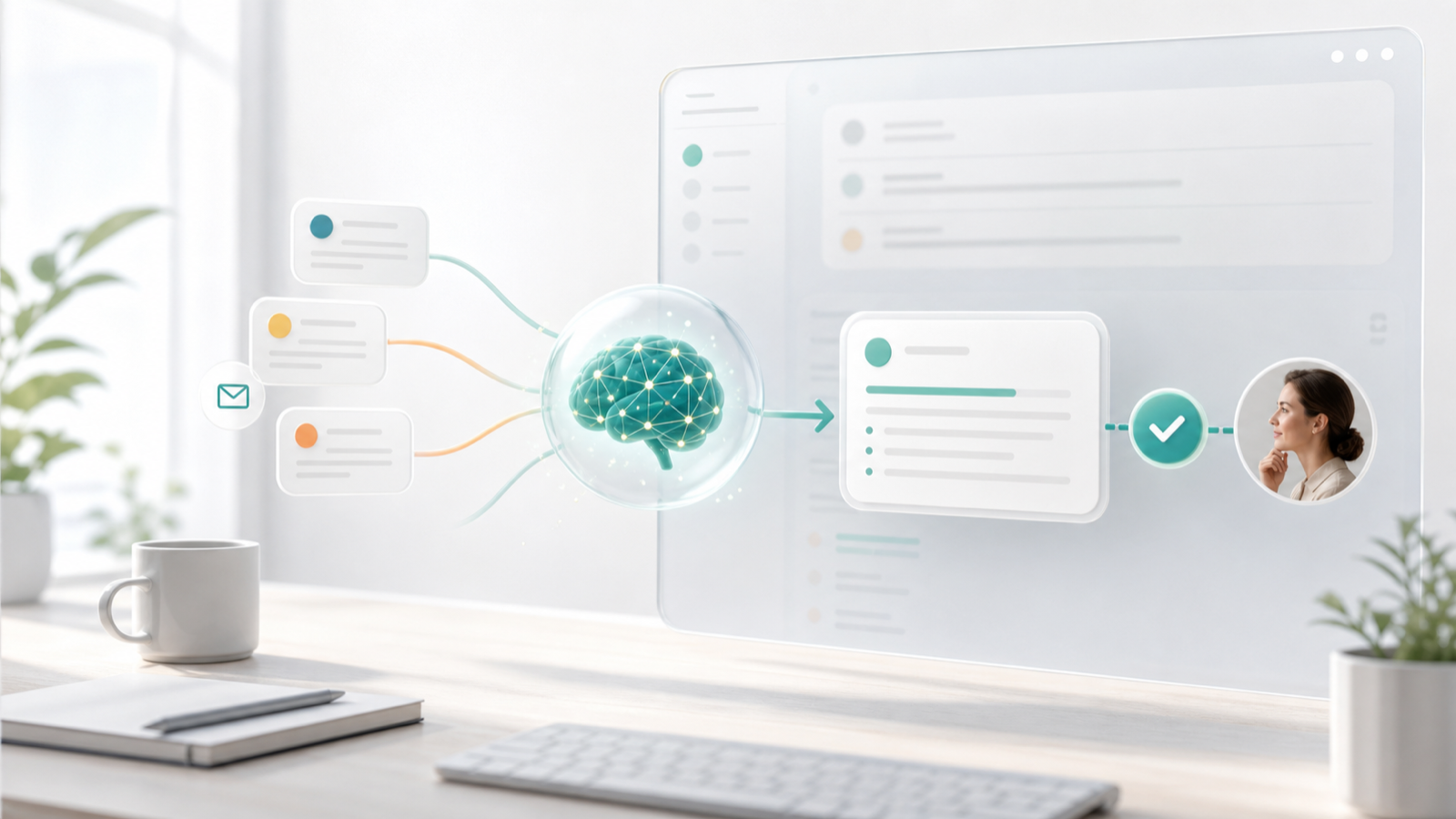
A practical guide to choosing a review-first AI email assistant that drafts, sorts, summarizes, and follows up without sending risky emails on autopilot.
AI email assistants are getting more powerful, but that does not mean every email should be automated from start to finish.
For most founders, creators, consultants, agencies, and small teams, the inbox carries work that has consequences: customers, deals, invoices, hiring, partnerships, support issues, legal details, and relationship-sensitive replies.
That is why the better question in 2026 is not "Can AI send email for me?"
It is:
Can AI do the repetitive work while I stay in control of what goes out?
That is the promise of a review-first AI email assistant. It sorts, summarizes, drafts, and reminds you before things slip. But the final judgment stays with you.
What a review-first AI email assistant means
A review-first AI email assistant helps with email work without fully taking over the send button.
In practice, that usually means it can:
- classify incoming email by intent and urgency
- separate important conversations from newsletters and noise
- summarize long threads before you reply
- draft responses from thread context
- suggest follow-ups or reminders
- create reusable reply patterns
- keep actions scoped to the right email account
- let you approve, edit, reject, or regenerate before sending
The key difference is the approval layer.
The AI can prepare the work. You decide what happens next.
That matters because email is not just text generation. Email is judgment. A short reply can affect a customer relationship, a sales deal, a creator partnership, a refund request, an investor thread, or a team decision.
Why full auto-send is risky for real inboxes
Fully automated email sounds attractive when your inbox is overloaded.
The problem is that most valuable emails are messy.
A customer complaint may sound polite. A sales lead may be hidden inside a casual intro. A legal detail may sit halfway down a forwarded thread. A brand deal may come from an agency address you have never seen before. A client may ask for "one quick thing" that actually changes the scope of the project.
If AI sends without review, the risk is not only that the wording sounds generic.
The bigger risks are:
- replying before understanding the full thread
- missing one of several questions
- agreeing to something you should not approve
- sounding too casual in a sensitive conversation
- exposing information from the wrong account or context
- following up when the relationship needs a different move
- sending a confident answer that is not accurate
For low-risk email, automation can be helpful. For important conversations, review-first is usually the safer default.
The best AI email assistant starts with triage
Many AI email tools lead with drafting. That makes sense because writing is the most visible part of email.
But the deeper bottleneck is usually triage.
Before you can reply, you need to know:
- what needs attention now
- what can wait
- what is just noise
- what needs a follow-up
- what belongs to sales, support, finance, hiring, or client work
- which inbox or account the thread belongs to
Replyless is built around this workflow. AI email categorization helps classify messages by intent, urgency, sender, and workflow, while AI split inboxes turn those categories into focused views.
That means the assistant is not only helping you write faster. It is helping you decide where attention should go first.
What to look for in a review-first AI email assistant
Use this checklist before choosing a tool.
1. Drafts should be ready to edit, not ready to blindly send
The right AI draft should feel like a strong first pass.
It should understand:
- the current email
- the full thread
- the sender's ask
- your likely next step
- the tone that fits the relationship
- any open questions or commitments
But it should still land as a draft.
That gives you speed without giving up control. You can approve simple replies quickly, edit sensitive ones carefully, and reject anything that feels off.
Replyless supports this through AI email drafts, where the goal is a useful response you can review instead of a message that disappears into the world without a human check.
2. Thread summaries should come before important replies
Long threads are one of the easiest places to make mistakes.
You open a conversation, skim too quickly, miss a deadline, forget an earlier promise, and write a reply that only answers half the email.
A review-first workflow should summarize before drafting when the thread is complex.
Useful summaries should show:
- what happened so far
- what was decided
- what is still open
- who owes the next action
- what the next reply should accomplish
Replyless AI thread summaries are useful here because they reduce the rereading tax before you respond.
The best summary is not a wall of text. It is enough context to make a better decision faster.
3. The assistant should separate waiting from done
Email gets stressful because many threads are neither active nor finished.
Someone says, "Check back next week." A lead needs a nudge. A client owes feedback. An invoice needs approval. A partner goes quiet.
Those threads do not belong in your main inbox forever. But they also should not disappear.
A review-first assistant should help you create a waiting workflow:
- mark a thread as done for now
- bring it back later
- summarize it when it returns
- draft the next reply if needed
- let you approve the final message
Replyless email reminders are designed for this. They help you close the inbox without losing track of the conversations that still matter.
4. Multi-account support should stay account-aware
Many people do not manage one inbox anymore.
They manage:
- personal Gmail
- work Gmail
- Outlook
- Zoho Mail
- client accounts
- support addresses
- sales or founder inboxes
This is where AI assistants need clear boundaries.
A draft in one account should not borrow context from another. A client inbox should not mix with a personal inbox. A support reply should not be shaped by unrelated founder conversations.
Replyless supports multiple email accounts across Gmail, Outlook, and Zoho Mail while keeping each inbox scoped.
That scoping is not a technical detail. It is part of trust.
5. Custom rules should be simple enough to maintain
Traditional email rules are useful when the pattern is obvious.
But real work rarely arrives in perfect patterns.
A founder may need lanes for customers, investors, product feedback, finance, hiring, and partnerships. A creator may need brand deals, invoice follow-ups, PR, community messages, and platform alerts. An agency may need client approvals, scope changes, leads, subcontractors, and urgent support.
A review-first assistant should make those lanes easy to create and adjust.
Replyless supports prompt-based rules, so you can describe the kind of email you want in a view instead of maintaining endless keyword filters.
That makes the system easier to change as your work changes.
How popular AI email tools approach control
Different tools draw the control line in different places.
Superhuman is known for a fast email experience and now has AI features across Gmail and Outlook workflows. Its strongest fit is often users who want a premium, speed-first inbox with shortcuts, reminders, labels, and assistant-style features.
Canary Mail leans into a privacy-focused email client model with optional AI for summaries, drafting, search, and multi-account workflows. It is a good example of the "assist, but keep the user in control" direction.
Jace positions itself closer to an inbox agent. It emphasizes drafts, labels, rules, Gmail and Outlook sync, and broader workflow context. That can be attractive if you want a more agentic layer, but buyers should still check how approval, account scoping, and sensitive replies are handled.
Spark has moved toward agent-ready email and AI assistant workflows, especially for people who want a polished email app across devices.
Replyless is focused on the practical middle ground: AI categorization, split inboxes, summaries, drafts, reminders, snippets, cleaner workflows, and multiple account support. It is designed for users who want the inbox to get calmer and faster without handing every decision to automation.
The buying question is simple:
Do you want AI to send for you, or do you want AI to prepare the right work for you to review?
For most high-value inboxes, the second path is the better starting point.
A simple review-first email workflow
If your inbox feels chaotic today, do not start by automating every reply.
Start with this.
Step 1: Split the inbox into work lanes
Create focused views for the email types that matter most.
Good starting lanes:
- urgent replies
- customers
- leads
- finance
- client approvals
- hiring
- partnerships
- newsletters
- waiting on someone else
The goal is to stop treating every message as equal.
Step 2: Summarize before drafting
Use summaries on threads with more than a few replies, forwarded context, pricing, customer issues, or unclear next steps.
Before you write, check:
- what is being asked
- what has already been promised
- what is unresolved
- whether a reply is actually needed
This prevents fast-but-wrong responses.
Step 3: Draft with AI, then approve manually
Use AI drafts for routine replies, follow-ups, scheduling, customer updates, and common questions.
Then review for:
- accuracy
- tone
- missing questions
- promises or commitments
- pricing, scope, legal, or sensitive details
- whether the reply should be sent at all
The more important the thread, the more carefully you review.
Step 4: Turn repeated replies into snippets
If you keep editing AI drafts into the same answer, save that answer.
Replyless email snippets help with repeatable responses that should stay consistent: pricing explanations, support answers, partnership replies, creator brand deal responses, and common handoffs.
AI drafts are useful for context. Snippets are useful for standards.
You usually need both.
Step 5: Bring waiting threads back later
Do not leave every waiting conversation in your main inbox.
Use reminders for:
- leads who need a nudge
- invoices waiting on approval
- clients waiting on assets
- partners who said to check back
- support threads that need confirmation
- hiring conversations with pending decisions
When the thread returns, summarize it, draft the next move, and review before sending.
That is the review-first loop.
When review-first AI is the right fit
A review-first AI email assistant is worth trying if:
- important replies are getting buried
- you spend too much time rereading threads
- you manage multiple inboxes
- you want AI drafts but do not trust full auto-send
- your inbox includes customers, clients, deals, finance, or hiring
- follow-ups keep slipping
- you want calmer triage before faster replies
It may be more than you need if your inbox is mostly newsletters, receipts, and low-stakes personal email. In that case, basic filters and a general writing assistant may be enough.
But if email is where revenue, customers, and relationships live, review-first is usually the safer and more useful AI model.
The bottom line
The best AI email assistant in 2026 is not the one that promises to remove you from every conversation.
It is the one that removes the repetitive work around the conversation.
AI should sort the inbox, summarize the thread, draft the first pass, remind you when a reply is due, and keep noisy email away from real work.
You should still decide what gets sent.
Replyless is built for that balance: faster email across Gmail, Outlook, and Zoho Mail, with AI support where it helps and human review where it matters. Start with the Replyless feature library, then build a workflow around categorization, split inboxes, summaries, drafts, reminders, snippets, and multiple account support.